5 Best Android Emulators For PC
2 سال پیش
- خواندن 6 دقیقه
Android is an open-source operating system (OS) for smartphone and tablet platforms. Due to its outstanding features, such as open source, wide accessibility for developers and individuals, more marketability, cross-program interoperability, lower development costs, higher success rate and rich development environment, Android has become the preferred operating system for many developers and users. Is.
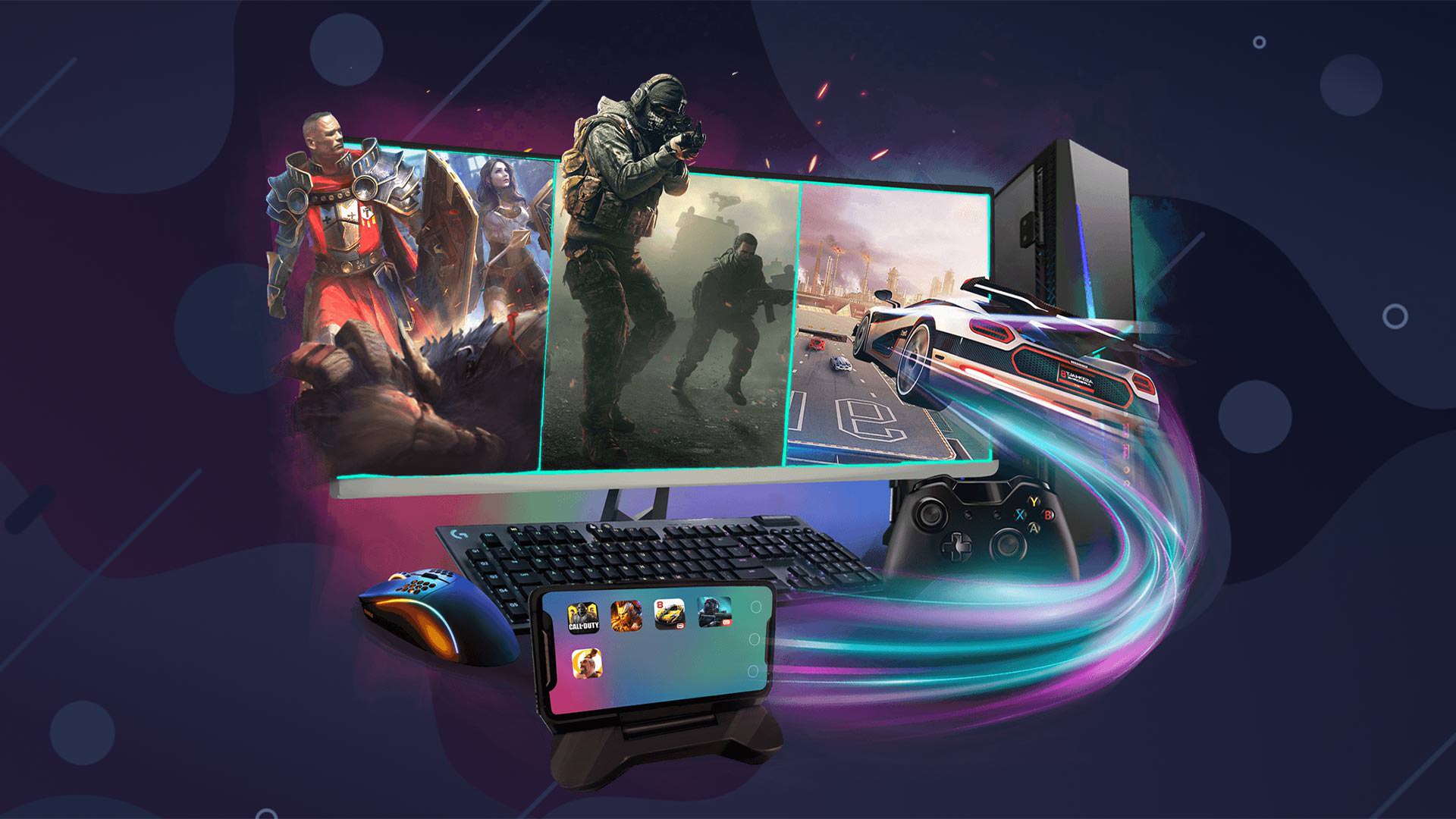
Android emulator is software that imitates the operation of this operating system on your computer. It also allows you to install and use Android apps on your system.
You may be working on developing an application for Android phones and want to test it on a PC. With the help of the computer emulator for Android, you can do this easily and even simulate different screen sizes and phone models to see how it works in different situations.
Also, if you are a gamer looking for the best Android emulator for gaming, don’t miss out.
Perhaps the most well-known Android emulator is BlueStacks, and considering its quality and reliability, it is not surprising that users have given it the title of a complete emulator. In addition to running on both Windows and Mac operating systems, this emulator has many features to improve the gamer’s experience. Its most popular features include the Keymapping tool for creating customized control schemes, the Instance Manager through which you can create multiple instances of the emulator and run multiple games simultaneously, and quality-of-life features such as Eco Mode, which helps reduce resource consumption.
While this software runs the most difficult games, it is also considered the safest emulator. Its latest version, BlueStacks 5, is considered the lightest Android emulator that can offer heavy games and, for example, the highest settings of PUBG Mobile, even on cheap devices. Try it for yourself now to discover why BlueStacks has a community of 500 million gamers worldwide!
You can see the features of BlueStack in brief below:
- You can play multiple games at the same time.
- Record and play anything at once.
- It allows you to take video and screen recordings.
- Supports Native Gamepad, Performance Modes, Trim Memory, Script, High FPS, High Definition, Utility and UTC Converter.
- It is considered the best Android emulator for Windows 10 (version 1903 and above) and Windows 11 and is also available for Mac.
It offers popular games such as the ones mentioned below:
- State of Survival, Zombie War, RAID: Shadow Legends
- MARVEL Strike Force – Squad RPG
- Evony
- The King’s Return
- Merge Dragons! Arknights
- Tower Defense, Frost & Flame: King of Avalon
- Noah’s Heart
- Star Trek
- The Lord of the Rings: War
- Land of Empires: Immortal
- Kingdom Maker and Summoners War
Minimum system requirement for installation: Bluestacks – Intel/Nvidia/ATI, Onboard or Discrete GPU with benchmark score >= 750.
Minimum RAM required: 4 GB
Runs on Android 8, 9 or higher
Multi-touch support
ARM support
Notification of battery status
If you are looking to download an Android emulator for weak computers, we recommend Knox Player. This software is another Android emulator that is known by game lovers all over the world. You can run this emulator on different devices. Also, you can run multiple functions at the same time. Among the capabilities and features of the third item from the list of the best simulator games for Android, the following can be mentioned:
- It is one of the best emulators for PC that implements one-click keyboard mapping and puts all the game controls in the hands of the mouse and keyboard.
- Nox player is installed by default for recording.
- It provides the best user experience and excellent performance.
- It offers game customization suggestions, running different games simultaneously, multi-drive recording and scripts available for Windows XP SP3 / Win8 / WindowsVista / Win10 and is considered the best Android emulator for Windows 7.
- You can play popular games like Mobile Legends, Summoners War, State of Survival, Three Kingdoms Tactics, etc.
Minimum system requirements for installation: NoxPlayer – NVIDIA and AMD
Minimum RAM required: 1.5 GB
Runs on Android 5, Android 7, 9 or higher
Multi-touch support
ARM support
Notification of battery status
Support for Windows, Android and iOS operating systems
)

مشاهده نظرات بیشتر...