Where Is My Android Phone Use “Google Find My Device” To Find

2 سال پیش
- خواندن 2 دقیقه
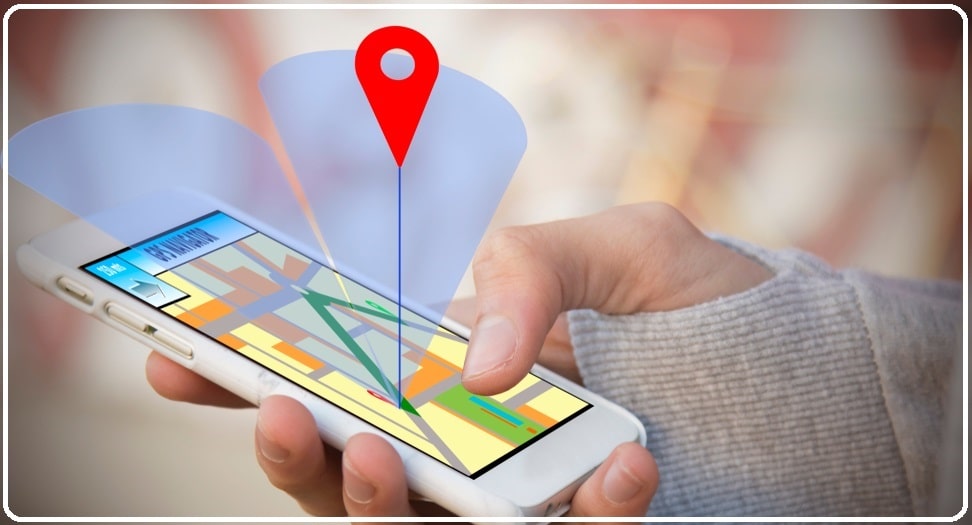
To use “Find My Device”, the phone must support this feature, we must turn on the Google location service, and you must have entered your Google account into the phone. Of course, most smartphones today are equipped with the Find My Device feature. For example, in Google Pixels and phones that use pure Android, the Find My Device feature is installed by default. In some other phones, such as Samsung products, a different app called Find My Mobile is used, which was designed and implemented by Samsung.
If you find “Find My Device” in this path, turn it on; But if you haven’t found it in the mentioned path, you can download the Google Find My Device application from Google Play. Next, make sure the Location section is turned on. In the Find My Device app, you can check which apps have access to your location and which apps have recently used your location. If you want, you can turn off location access for apps.
Now that you have made the above settings, if you have lost your phone somewhere, enter the phrase Find my device in the Google search box and allow Google to access this page. On the opened page, you can find your phone’s location, play an alarm sound or erase your phone data completely.
Once you have found your phone, you will have three options. Choosing these options depends on whether you feel the phone is in a safe place or not.
Play sound for 5 minutes: With this option, the phone will ring for 5 minutes even if it is silent.
Locking the device and exiting the Google account: with this method, the phone is locked and requires the owner’s Google account to use the phone again. This option is useful when you have left the phone in a taxi or elsewhere.
Complete data deletion: With this option, all data on your phone will be deleted. This option is mainly used when you are sure your phone is stolen and cannot be returned. With this option, you prevent possible misuse of your information.
The vital thing to note is that this feature depends on the active internet. Unfortunately, this feature will not be helpful if you lose your phone without internet access.
)

مشاهده نظرات بیشتر...